



Automated bots can help you handle simple tasks without putting in the legwork. But not all bots are good; cybercriminals can use them to automate nefarious tasks, such as password theft. In fact, 37% of internet traffic is made up of “bad bots,” making it one of the most common tools for bad actors on the web.
Learn how these bots work, the different types of bots, and how to protect yourself in this guide.
What do bots do?
Bots automatically perform tasks over the internet or a local network that range from simple, such as answering common customer service questions, to more complex, such as scanning entire websites to index their content for search engines.
Think of bots as digital assistants that can work much faster than humans, often without supervision. They often follow human-created instructions to handle repetitive, time-consuming tasks. But with AI advancements, bots are much more complex.
Bots vs. chatbots vs. AI agents
Bots, chatbots, and AI agents differ in their complexity. Here’s a quick breakdown:
| Bot | Chatbot | AI agents |
|---|---|---|
| Simplest of the three | Made by either programmers or users on AI platforms | Often made by users on AI platforms |
| Created by programmers; works on “if X do Y” rules | May use decision trees based on what you send it | Programmed to meet goals through conversations |
| Example: Toaster | Example: Automated customer service systems | Can use external tools to search the internet, read your calendar, or send emails on your behalf |
- Bot: The simplest of the three that works on “if X do y” rules written by humans. Think of a toaster: when you push the lever down, it heats up. It doesn’t know if the bread is toasted; it just runs the timer.
- Chatbots: Some chatbots use decision trees and search for keywords in what you typed to generate pre-written responses. Think of customer service hotlines that say “Press 1 for issues with…” Other chatbots use AI.
- AI agents: Modern bots that can create responses and meet requests based on “goals” given to them by users. Some agents can use external tools to search the internet, read your calendar, or send emails on your behalf.
How do bots work?
Bots work by following instructions written by humans in programming languages such as Python, Java, or JavaScript. Software developers write code that instructs the bot on what tasks to perform.
Through natural language processing (NLP), more bots can understand, interpret and create human language. With machine learning, NLP enables chatbots and virtual assistants to recognize the intent behind messages. This also makes malicious bots harder to detect, as they receive the same human-like benefits.
AI bots work similarly to “regular” ones, but differ in how they analyze data. Where machine learning (ML) bots make predictions based on pre-programmed rules, AI bots simulate human intelligence.
Here’s how bots work:
-
- Input: Bots either respond to user inputs (like chat messages) or handle tasks automatically based on predefined rules or algorithms.
- Processing: The program creates rules that the bot follows. AI chatbots use natural language processing (NLP) to analyze and understand written words (also known as the prompt).
- Connection: Then, bots connect to websites and servers to send and receive information on behalf of users. AI bots rely on training data gathered from other user interactions and training specialists.
- Decision: Bots will take action based on rules, such as web crawlers deciding whether or not to archive a page based on website files. AI-powered bots that rely on machine learning (ML) and analyze prompt context and chat history to meet the user’s goal.
Types of bots
Bots can be helpful or harmful. Good bots may help you get things done faster, while “bad” bots might spread spam or steal personal information. Here’s how both work:
Good bots
Good bots are built to help people, either through automated customer service, web crawling, or drafting emails. Examples include:
- Customer service chatbots: These bots chat with you online to help guide you through online order placement or product issue troubleshooting. Unlike human customer service, they answer your questions quickly, day or night. For instance, Facebook dating AI has a chatbot assistant.
- Web crawling bots: These bots browse the internet to collect information from websites and help search engines (like Google) find and rank different pages. Some may work for web hosts to monitor when sites go down and when something goes wrong.
- Generative AI bots: These bots use massive amounts of data and are powered by large language models (LLMs), massive AI programs, to help them generate content like humans. ChatGPT, which runs on models like OpenAI’s GPT-5 and GPT 4o, is one of the most famous examples.
- Voicebots: AI bots that can process audio and pick up on your tone of voice, often responding in a very humanlike way. Some can even clone your voice, allowing those with progressive diseases (like ALS) to preserve their personality through text-to-speech.
- Agentic bots: Full automation tools that can take pre-defined rules set during conversations and focus on meeting your goals. They’re used by online businesses to automate processes. For example, agentic e-commerce bots can apologize, check inventory levels, issue a partial refund, and email a tracking link for a new shipment.
- Cybersecurity bots: Antivirus software like Panda Dome uses cloud-based AI intelligence to provide real-time behavioral protection. With this, it can spot malicious cyber threats and hidden malware based on unusual device behavior.
Part of what makes an AI bot “good” is the rules that tell it to avoid harmful activity. For instance, an AI chatbot would decline if you asked it how to make a bomb. In contrast, dark AI chatbots lack the guardrails that prevent criminals from accessing bomb-making instructions.
Malicious bots
Malicious bots are programmed to perform malicious actions, such as scraping web data for usernames and passwords. When it comes to bad AI bots, they don’t have the same rules that block harmful content like good bots do. They can include:
- Account takeover (ATO) bots: These bots attempt to take over your account through brute force attacks that repeatedly attempt to enter your account credentials. They use stolen usernames and passwords purchased on the dark web or stolen through spyware.
- Spam bots: These bots use email, text, or social media messengers to send unwanted messages to get targets to click dangerous links or fall for online scams. Malicious generative bots can even automate the creation of convincing messages. Some are even built to spread misinformation online.
- Botnets: A large group of infected computers controlled remotely to spread malware. They use distributed denial-of-service (DDoS) attacks to shut down networks and send more bots to spread their influence.
- AI deepfake bots: AI deepfake bots collect information from your videos, audio, and pictures to recreate them. They’re used to fool friends and family into thinking they are you and to create fake stories, like being stuck in another country, to get them to send money. Some are even used to create fake pornography of their targets.
- Scalping bots: These bots buy event tickets quickly and resell them at higher prices. Now you know why it’s so hard to get your hands on those concert tickets!
How to detect malicious bots on your device
Detecting malicious bots can be difficult, as the signs of their activity are similar to those of an aging device. But a few of these signs are clear signs of hacking. Examples include:
- Apps opening themselves: Apps opening out of nowhere may signal that a bot is trying to access your info or features. For instance, bots can access your email app to spam your friends.
- Unfamiliar apps or software: If you find apps on your device that you didn’t install, malicious bots may have slipped unwanted software onto your system.
- Slow or hot device: Bots running in the background can consume system resources, slowing your device, overheating it, and draining your battery. This could also mean that your device is getting old, so look for other signs.
- Unusual error messages: If your device starts showing unfamiliar error messages, especially when using everyday apps, it could be a sign that malware or bots have infiltrated your system.
- High network usage: If your internet usage spikes unexpectedly, it could be a bot using your connection to send out spam or carry out attacks.
- Redirects: If your browser frequently redirects you to strange or unwanted websites, a malicious bot may be hijacking your browsing activity.
- Pop-ups: Frequent or unexpected pop-ups can indicate that a bot has infected your device and is trying to push ads or malicious content.
You may already have been affected by a bot if you notice unusual account activity. Look at your login history to spot suspicious devices or locations.
How to prevent malicious bot activity

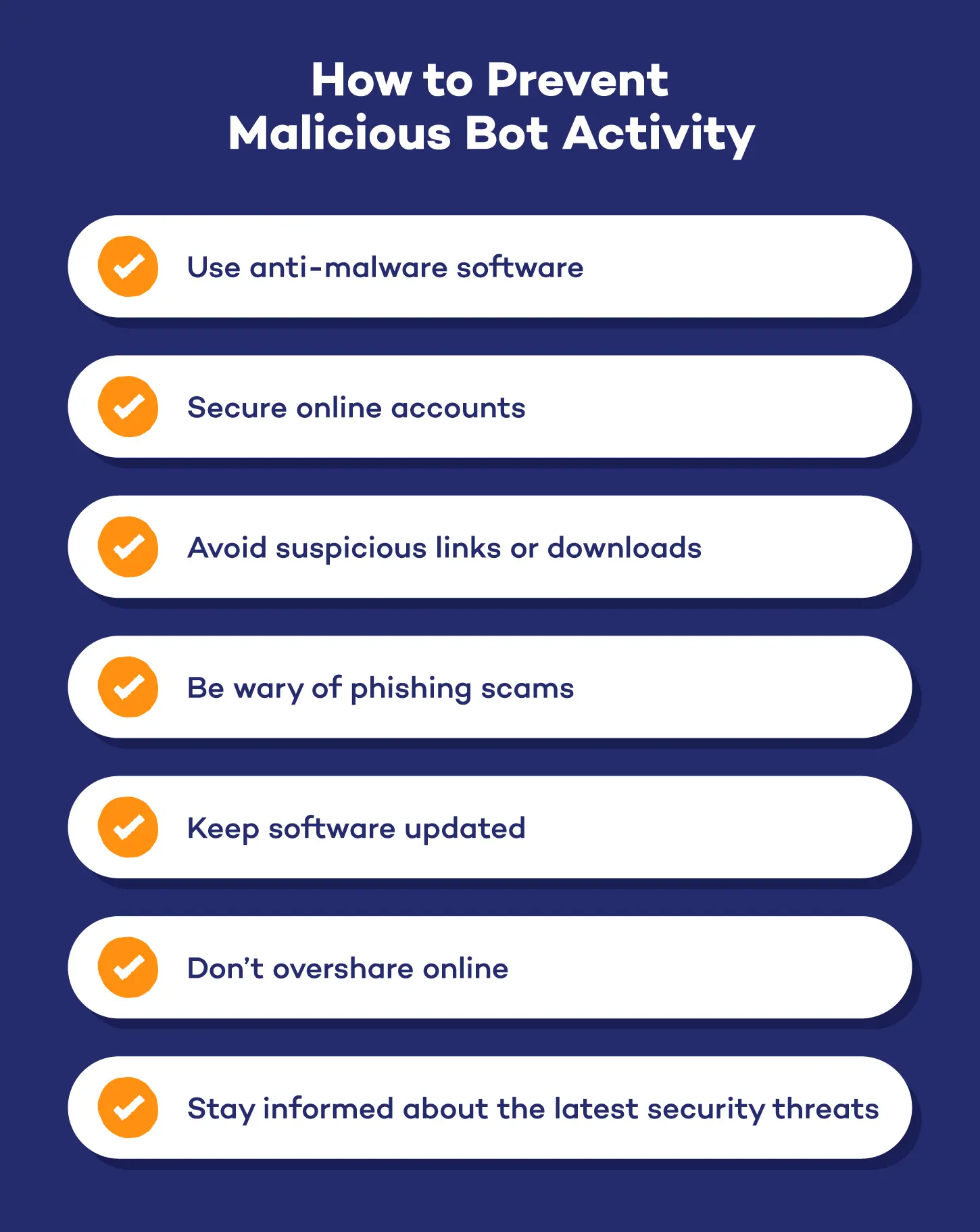
Good online habits, such as keeping your information private, can help you stay safe while browsing. However, you can bump this security up a level with a few extra tools. Here are some tips:
Use anti-malware software
Anti-malware programs defend you from malicious bots through detection, blocking, and removal tools. Real-time protection can stop them before they harm your system, keeping you and your family safe.
Panda Dome helps protect your device with real-time behavioral detection that helps identify suspicious bot activity. Its firewall also protects your home network from cyber attacks on home and public Wi-Fi networks.
Secure online accounts
Bots use credential stuffing attacks to guess weak passwords and break into accounts. By using strong, unique passwords, you can significantly reduce the risk of bots gaining unauthorized access to your accounts. It’s also important to enable two-factor authentication (2FA) so that criminals need access to codes sent to your email or via text to get into your account.
Avoid suspicious links or downloads
Malicious bots can enter your system through unsafe files, so avoid downloading them from unverified websites. Some sites are actually fake and replace characters with numbers or symbols in typosquatting attacks. Even being on these sites is risky, as malvertisements can infect your computer just by visiting sites with malicious advertising.
Be wary of phishing scams
Phishing scams, like catphishing, are a common way for malicious bots to access your device. For instance, they may spoof (or copy) the contact information and email structure of the IRS to fool you into thinking you owe tax money. In reality, they’ll ask you to pay in cryptocurrency, a sure sign you’re dealing with a crypto scammer.
Heads up:
Bad grammar used to be a clear sign that you’re dealing with a scammer. But malicious generative AI tools allow cybercriminals to create grammar-perfect emails or texts that can fool anyone.
Keep software updated
Regular software updates limit what some bots can do by patching vulnerabilities found in outdated software. Here’s where to update on each operating system:
- Windows: Start > Settings > Windows Update
- Mac: Apple menu > System Settings > General > Software Update
- Android: Settings > Security & privacy > System & updates
- iOS: Settings > General > Software Update
Don’t overshare online
Oversharing your information online gives bots more data to work with, allowing them to better mimic you on AI deepfakes or messages. Keep your social media private and be careful about who you add to your friends to help protect yourself. You should also make sure your social media is set to private to help remove online information and block AI access to your account.
Stay informed about the latest security threats
Rely on news sources like Google to be aware of malware that targets your device. You should also review warnings from the Cybersecurity and Infrastructure Security Agency (CISA) and Federal Trade Commission (FTC) for national updates. For local updates, follow your local police department or attorney general’s office on Facebook.
AI defense tip: Removing AI from your socials won’t stop dark AI tools from stealing your social media information. That’s why it’s so important to keep your social media pages private.
Stay safe with behavioral detection from Panda Security
Much like Uncle Ben did, bots remind us that great power comes with great responsibility. They can be both good and bad, helping us manage our busy schedules or ruining our week by stealing our online accounts. Thankfully, you don’t have to put up with it.
Panda Dome offers real-time protection to stop malicious bots before they infect your device. It can also identify dangerous sites that may harbor bots or other kinds of malware, keeping you safe at multiple layers. Download it for free today.